01
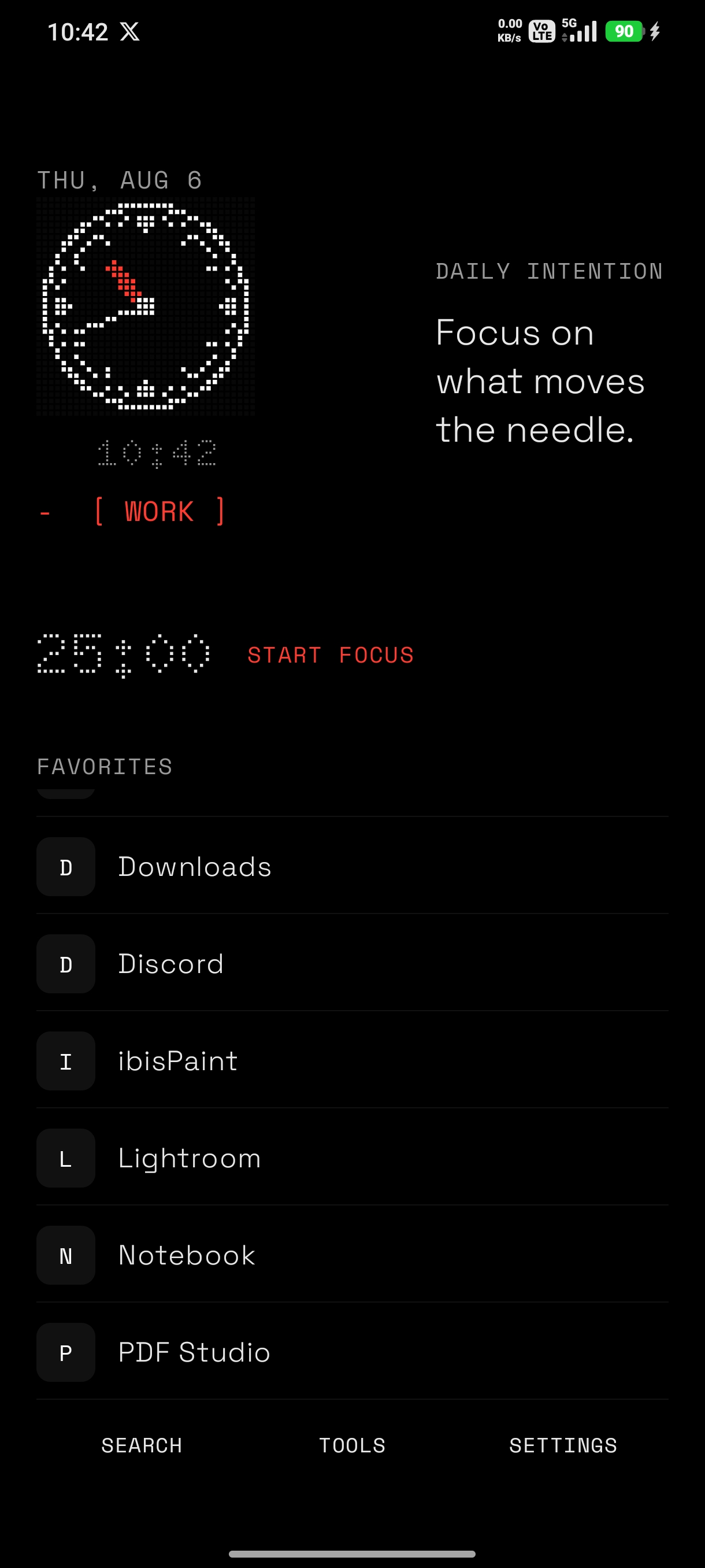
Keep useful apps close.
Choose your favorites. Everything else stays one quick search away.
A quieter Android launcher
Keep the apps you need in front. Put a pause between you and the apps that pull you away.
Free. No ads. No account. Your settings stay on your phone.
01
Choose your favorites. Everything else stays one quick search away.
02
Set a short pause before opening apps that tend to take more than they give.
03
No ads, analytics, trackers, or account. Your launcher choices remain on your device.
Built around intention
Focused home
Set the apps you reach for most, choose a clock style, then leave the noise behind.
Explore home screensMindful delay
That small gap makes opening a distracting app feel like a choice again.
Focus profiles
Work, study, and sleep can each have their own favorites, hidden apps, and focus message.
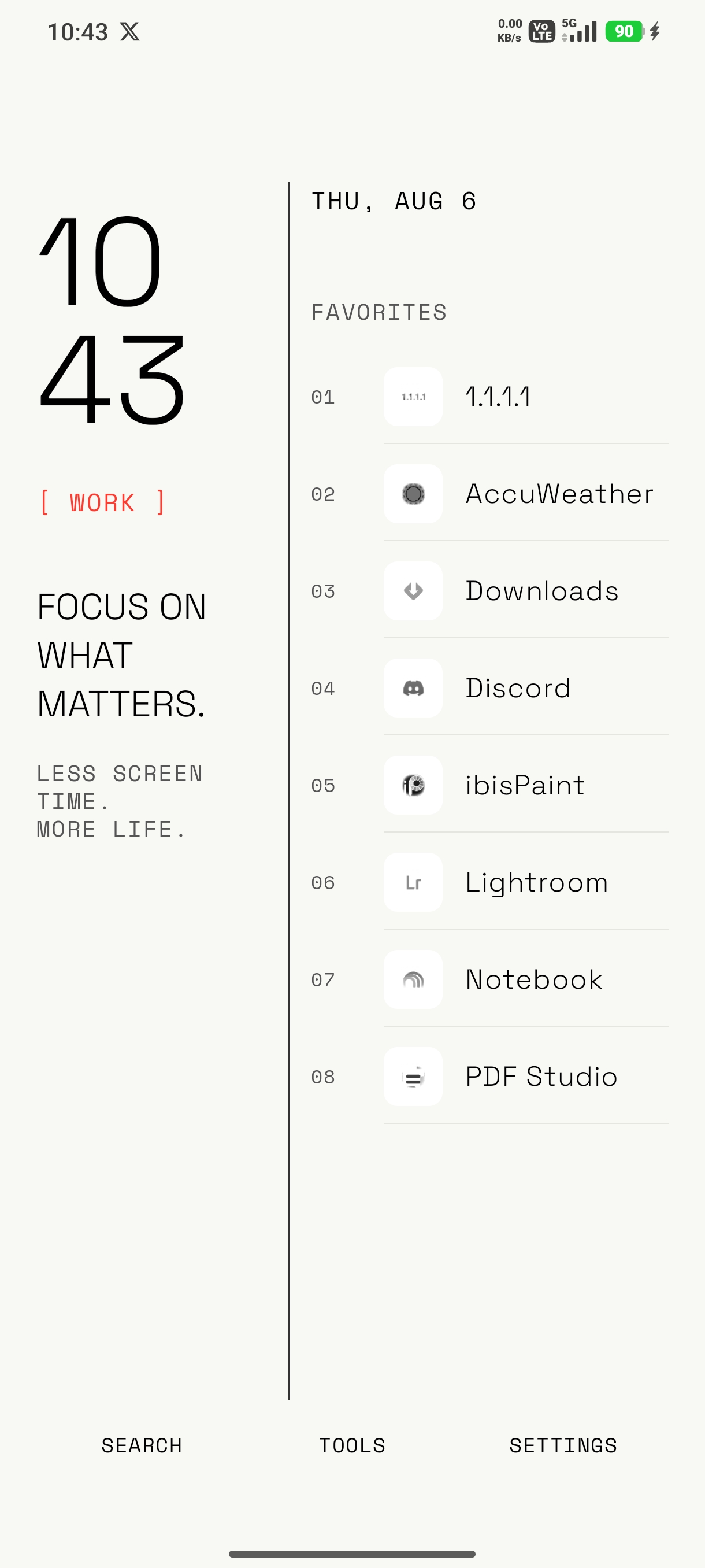
Make it yours
Start with a quiet black-and-white home screen, then choose light or dark, adjust typography, switch clock styles, and arrange your own blocks when you want more control.
Small tools, local only
Good to know
Yes. After installation, Android lets you choose Minimalistic as your home app. Pressing Home then returns to your selected Minimalistic home screen.
No. You decide which apps appear, which stay hidden from the launcher, and which receive a mindful delay. It does not uninstall apps or use an Accessibility Service for the delay.
Your preferences, notes, favorites, and focus choices stay on your device. Local backups are controlled by you.